Trellis 2 - Free AI Image to 3D Generator
Drop in an image and get back a textured 3D model you can download right away.
Nothing to install, no account, no watermark.
Trellis 2 Image to 3D
AI-powered image to 3D — upload an image, get a textured 3D result instantly.
Upload an image first to start generating.
Your 3D model will appear here.
Loading the image editor…

What Trellis 2 Does With One Image
Trellis 2 reads a single image, rebuilds its shape and surface, and delivers a download-ready 3D model — usually in well under a minute.
- One Image Is EnoughA product image, a character drawing, a toy on your desk — the AI needs just one clear image to reconstruct the full 3D shape.
- Textures IncludedThe mesh arrives with color and surface detail already applied, so it looks right the moment you open it in a viewer or engine.
- Zero Setup, Zero CostEverything runs in the browser tab you already have open. No installs, no registration wall, no charge to download your result.
- Your Images Stay PrivateUploads go straight to the AI for processing and are deleted right after. Nothing you submit is stored or shared.
Why Creators Pick Trellis 2
Modeling an object by hand can eat an afternoon. This generator gets you a usable 3D asset before your coffee cools.
How to Use Trellis 2
Three steps from flat image to 3D model:
1. Add an Image
Drag a PNG, JPG, or WebP into the upload box. A single object against a clean background gives the best 3D result.
2. Let the AI Work
The AI analyzes the image, rebuilds geometry, and bakes the textures. Watch the 3D preview appear in the viewer.
3. Grab the GLB
Spin the model around, check it from every angle, then download the GLB file for your game, print, or product page.
Inside the Trellis 2 Generator
The details that make this generator more than a quick demo.
True 3D Reconstruction
The model infers the unseen sides of your object and builds real geometry — not a flat card with a depth trick.
Adjustable Face Count
Pick 5K, 10K, 20K, 30K, or 40K faces per mesh. Keep polygons low for games and AR, or go high for print-quality surfaces.
Fast Turnaround
A warmed-up run typically lands in 15–60 seconds. Only the first generation of the day may need a couple of minutes to wake the engine.
Standard GLB Export
GLB opens everywhere: Blender, Unity, Unreal, Three.js, iOS Quick Look, and most slicers for 3D printing.
Built-In AI Image Editor
A second tab lets you edit images with text prompts — restyle, relight, or clean up an image before turning it into 3D.
Live 3D Preview
Rotate and zoom the generated model right on the page, so you know exactly what you're downloading before you click.
Image to 3D at a Glance
Built for speed, priced at zero.
15–60s Typical Generation Time
Typical Generation Time
5K–40K Selectable Mesh Faces
Selectable Mesh Faces
$0 Cost Per Model
Cost Per Model
What People Make With Trellis 2
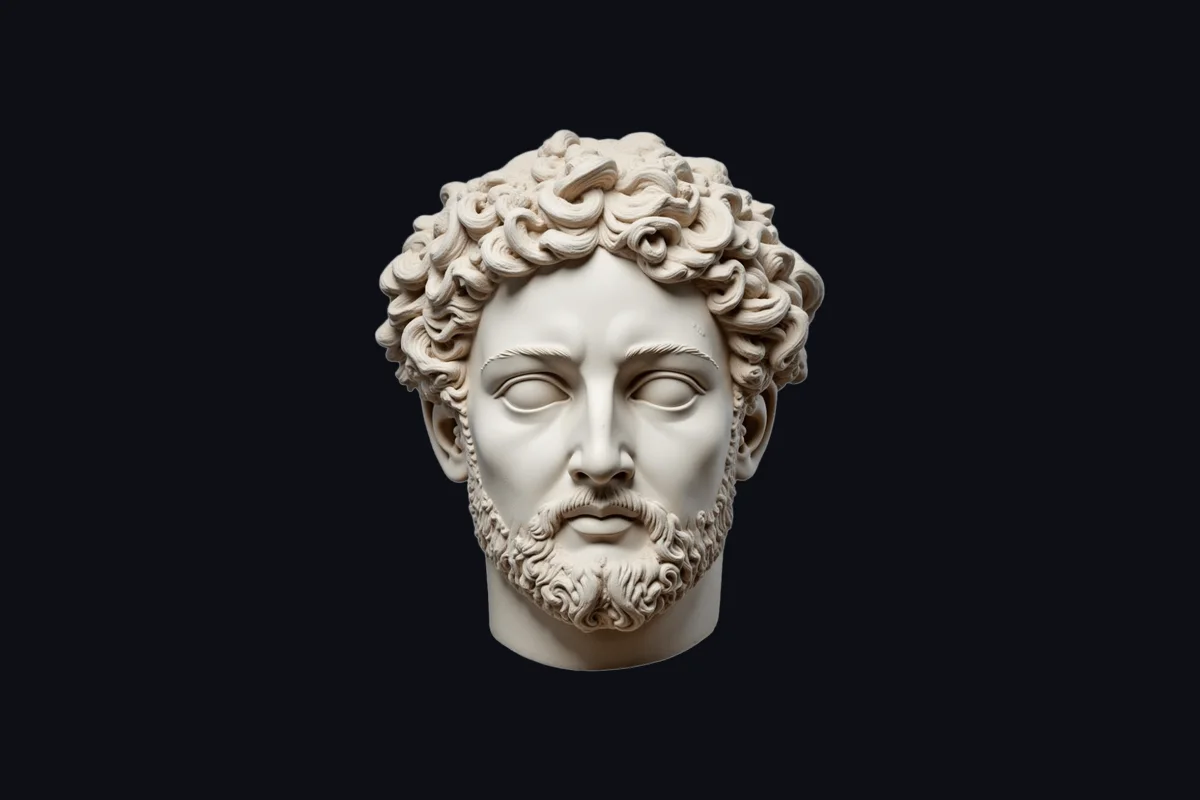
Frequently Asked Questions
Quick answers about how Trellis 2 works and what it costs (nothing).
Turn Your Next Image Into 3D
Free and ready — your first 3D model is about a minute away.